
One workspace for the whole renovation
The running app is presented here through the “Pine Park, 68 m²” demo project.
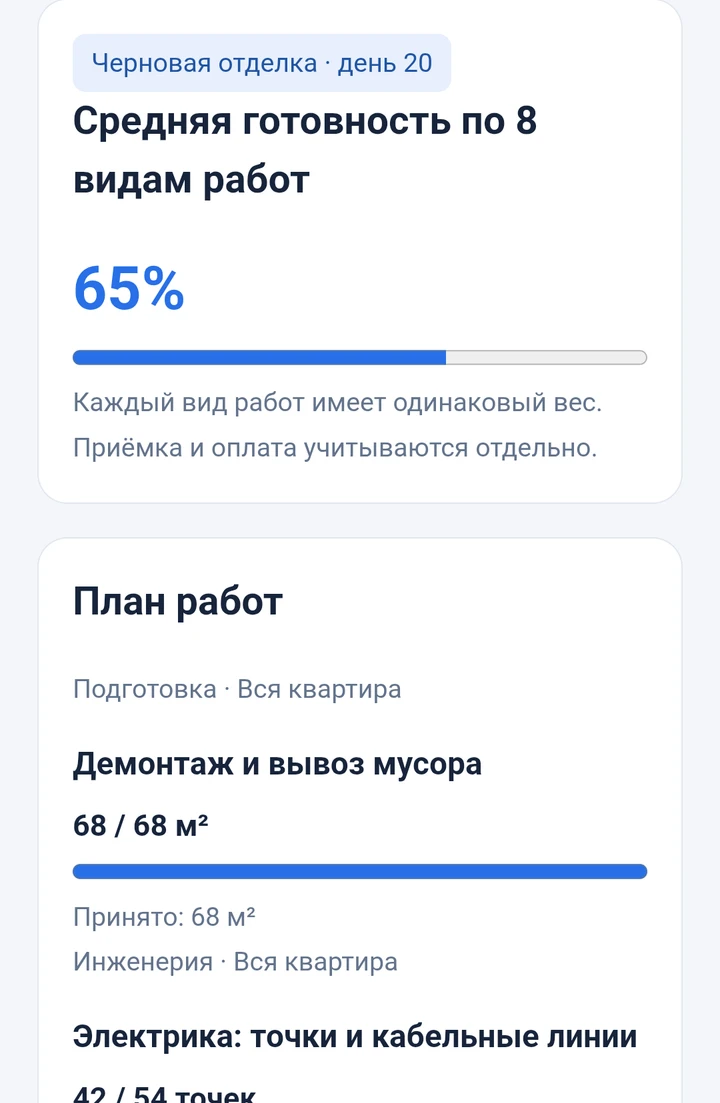
Progress and work quantities
Track planned and completed work. Accepted quantities are shown separately from reported progress.
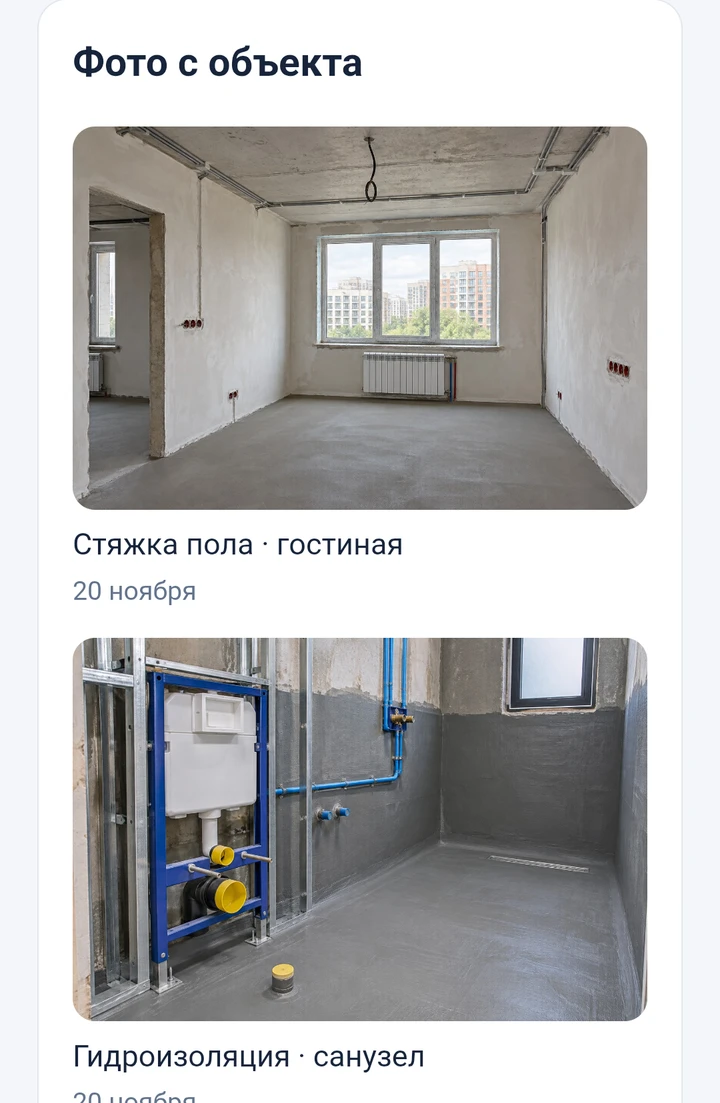
Photos and reports
View progress photos and the report feed, including completed work and the next steps.
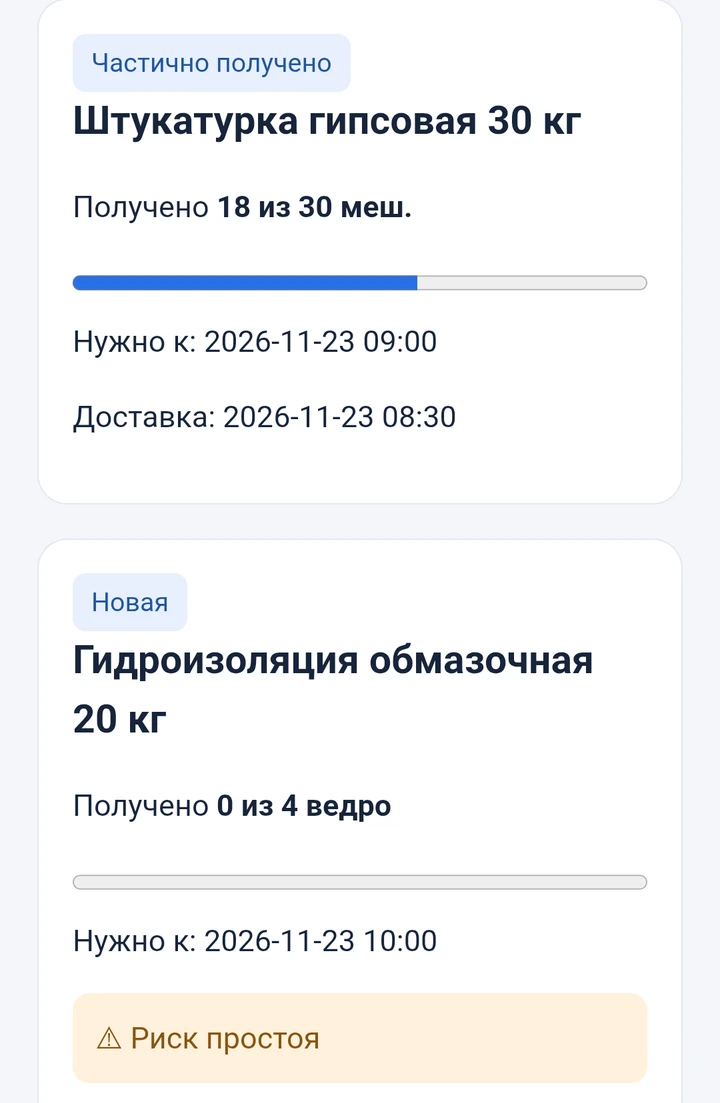
Material supply
Track requests, delivery dates, partial receipts and risks of downtime.
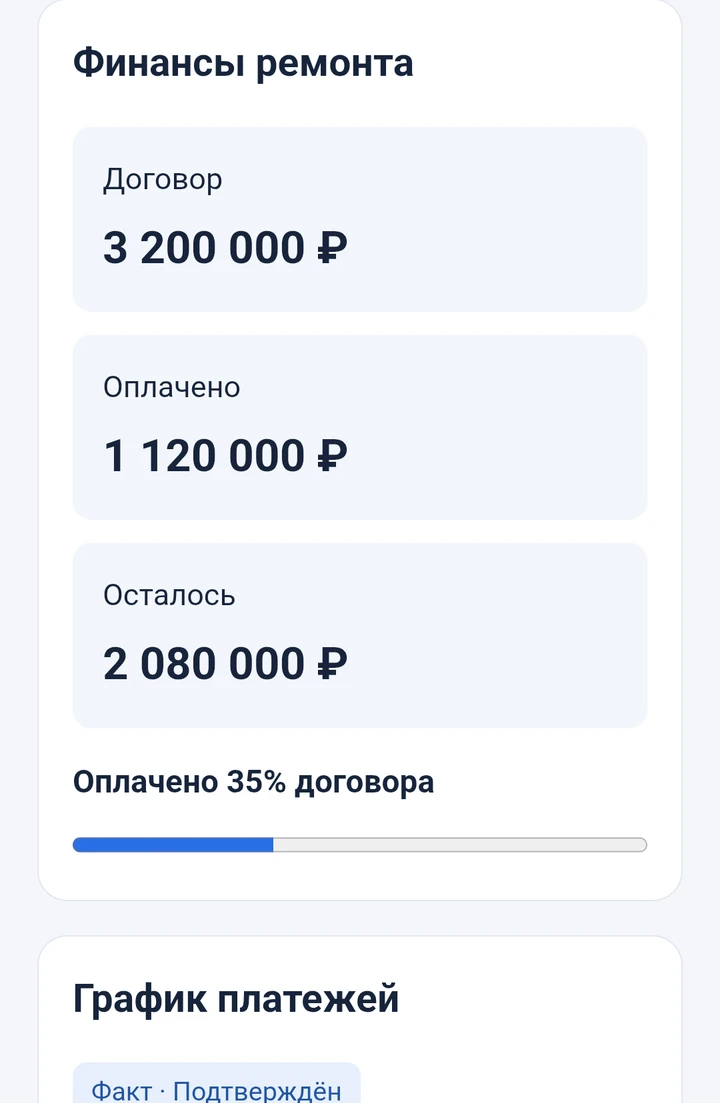
Renovation finances
See contract value, payments made, the remaining balance and the payment schedule.
Project conversations
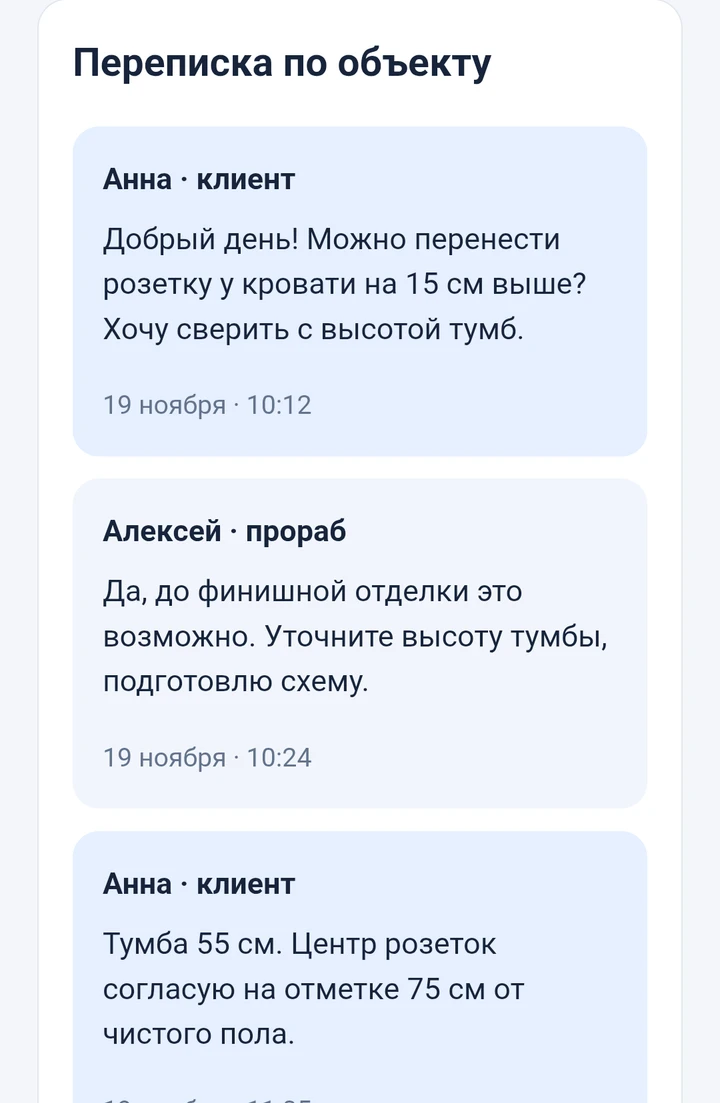
Keep discussions in the context of the renovation, with questions and answers visible to the team.
Decisions and approvals
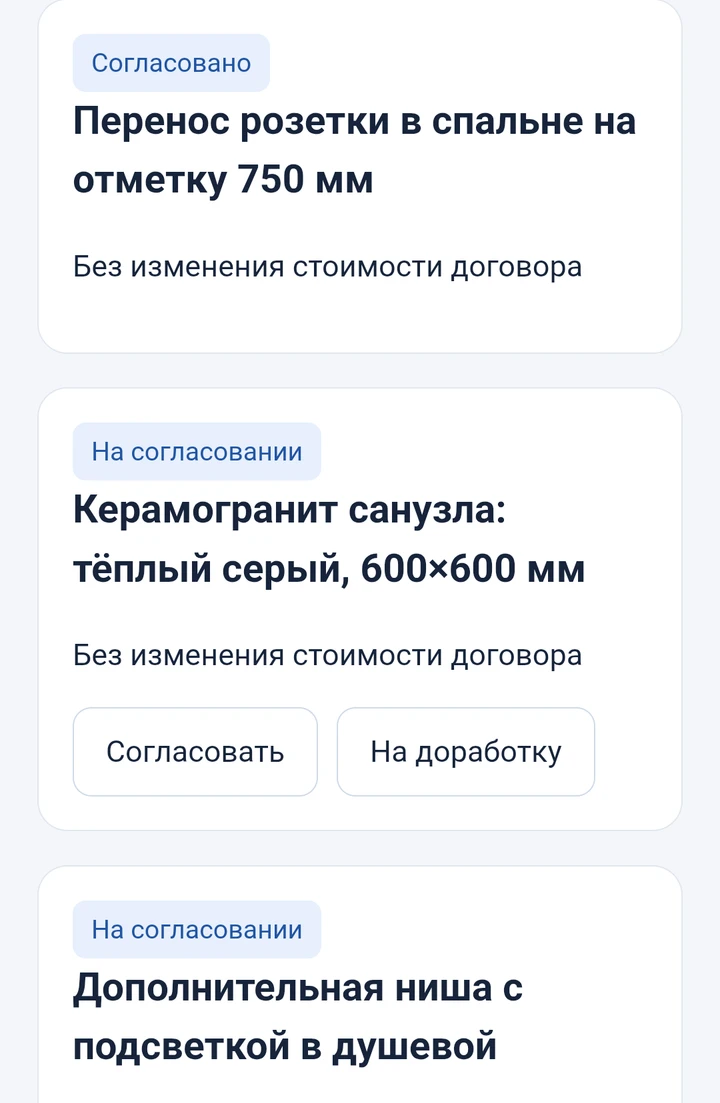
Review materials and changes, see their status and keep the client’s decision with the project.
Each participant has a role
Client
Follows progress, photos, payments and project decisions.
Foreman
Publishes work reports and coordinates material deliveries.
Tradesperson
Creates material requests and records receipt; the finance tab is unavailable.
Project manager
Views and coordinates reports, supply and finances.
How the workflow fits together
The demo project on a phone
English overviews of three workflows, with six genuine phone screenshots available below.
View six actual phone screenshots (Russian)
A service for the client and the team
WSH BUILD combines Telegram, a Mini App and project records in Google Sheets. The website shows the actual demo screens without presenting their figures as results from a real renovation.
Want to see the project in action?
Open @Podklyuc_Bot or request an invitation to explore the guest pilot.